Platform
Configure a local REI Skills MCP server
Understand REI’s stdio MCP process, check client configuration and tool visibility, and review the permissions that apply to the local integration.
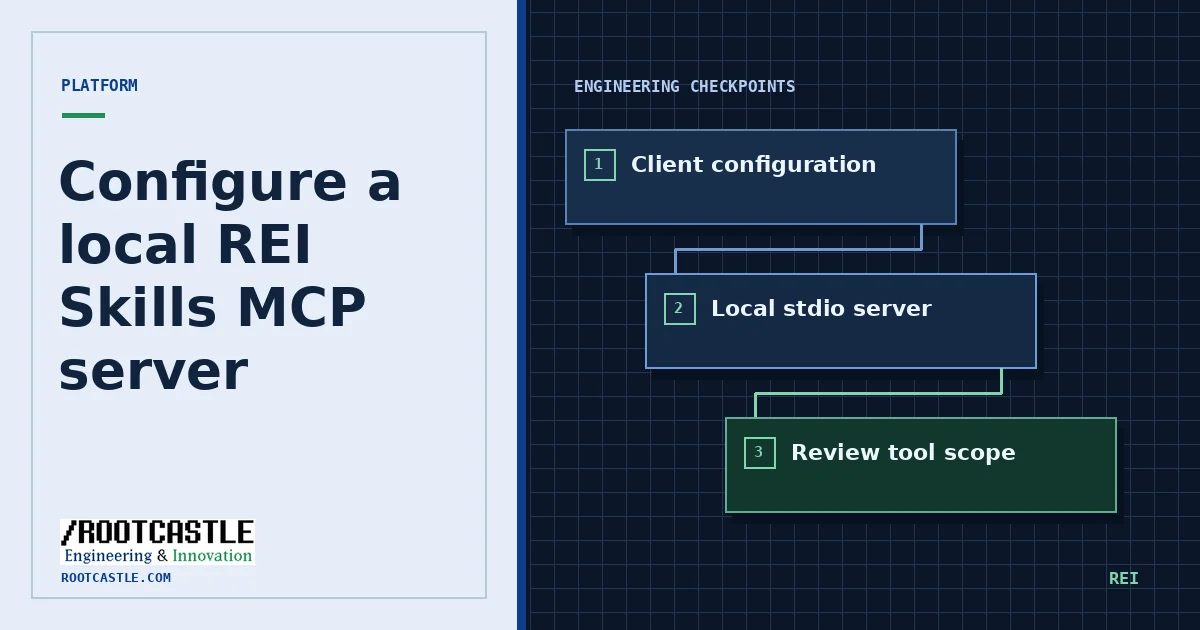
Start from the client and process model
The REI Skills npm package exposes a stdio server. The client launches a local process and exchanges messages through its standard streams. Use the upstream integration guide for the client you control. Keep the package version and launch arguments visible in the reviewed configuration.
Back up the existing MCP configuration before editing it. Check where the client stores user-level and workspace-level definitions. Resolve any duplicate server name to the intended configuration. Keep credentials out of example commands and config committed to the repository.
Verify a minimal integration
Start with a metadata or catalog read and confirm the client displays the expected tools. If discovery fails, inspect the client’s logs and verify the executable resolves using the same environment as the client process. A shell and a GUI client may inherit different PATH settings.
Review the installed version, process location, server startup output and client configuration. Run the CLI doctor separately to check its own environment. A successful CLI check combined with a failed client connection points the investigation toward process startup or MCP configuration.
npx rei-skills@6.6.1 mcpInspect boundaries before adding capabilities
Limit the integration to operations the project needs. Review which tools can read, write, or call external services, and consult the repository’s security policy for its operation classes and controls. Keep approval for state changes with the person responsible for the workspace.
Test approved behavior in a dedicated workspace with sample files. Include a missing input case and a request that should be declined. Document which behavior the server enforces and which restrictions depend on the host or the operating system.
Keep a rollback path
Restore the prior client configuration and restart the client to remove the integration. If a version change caused a regression, compare the old and new launch commands and report the smallest sanitized log excerpt that reproduces it.
Repository sources
References are pinned to the same upstream commit as the public catalog.