Getting started
Install and verify AI agent skills
Install a single REI skill in Codex CLI, Claude Code or Cursor. Check the target directory, run a scoped trial and remove the skill with the same installation flags.
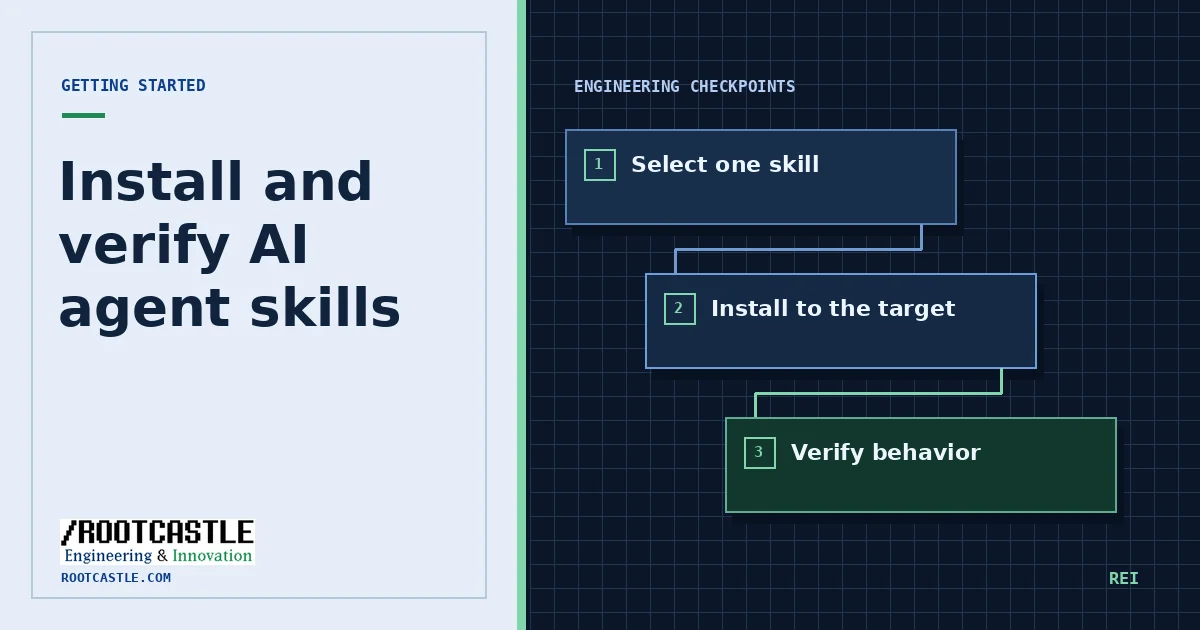
Start with a task you can check
Choose something with a known outcome: reproduce a failing unit test, document an existing API, or inspect an interface at two viewport widths. Save the baseline before installation. Include the files, repository context and output format the agent should use.
Open the catalog skill record first. Read its SKILL.md and any references or helpers it expects. Check its declared trigger and tool prerequisites against the client you actually use. The public catalog contains a filtered subset of upstream records.
Choose the install target
Run the targets command to see the supported clients. Use the site’s installer to generate a version-pinned command. A default Codex CLI example is shown below. With Cursor, the workspace flag scopes installation to the current project, so start in the intended working directory.
Use a dry run before writing files when the install location is uncertain. The CLI prints the planned path. For a shared repository, review any workspace rules or prompt files in the git diff before committing them.
npx rei-skills@6.6.1 targetsnpx rei-skills@6.6.1 add systematic-debugging --codex --dry-runnpx rei-skills@6.6.1 doctorConfirm discovery and evaluate output
Run the environment diagnostic and reload your agent if it caches its skill list. Ask the agent to state the files reviewed and to produce the artifact defined in the brief. A valid test run, an explained diff or a traceable source reference gives you evidence of behavior.
Compare the result with the saved baseline. Keep the same input and acceptance criteria. Repeat for a second representative task if the first case is unusually simple. If the skill adds unnecessary steps, choose a narrower skill or remove it using the same target flags.
Resolve common install problems
If the agent cannot see the skill, check the exact directory printed by the installer and the current workspace. If two copies exist, see which scope the agent resolves first. If a skill requires a tool the client cannot expose, record the missing capability before asking the agent to continue manually.
Skills in the catalog
Repository sources
References are pinned to the same upstream commit as the public catalog.