Engineering field notes
KiCad to Fusion 360 PCB enclosure verification
Prepare a traceable KiCad to Autodesk Fusion handoff. Verify the PCB revision, coordinate origin, connector clearances and CAD evidence before prototype release.
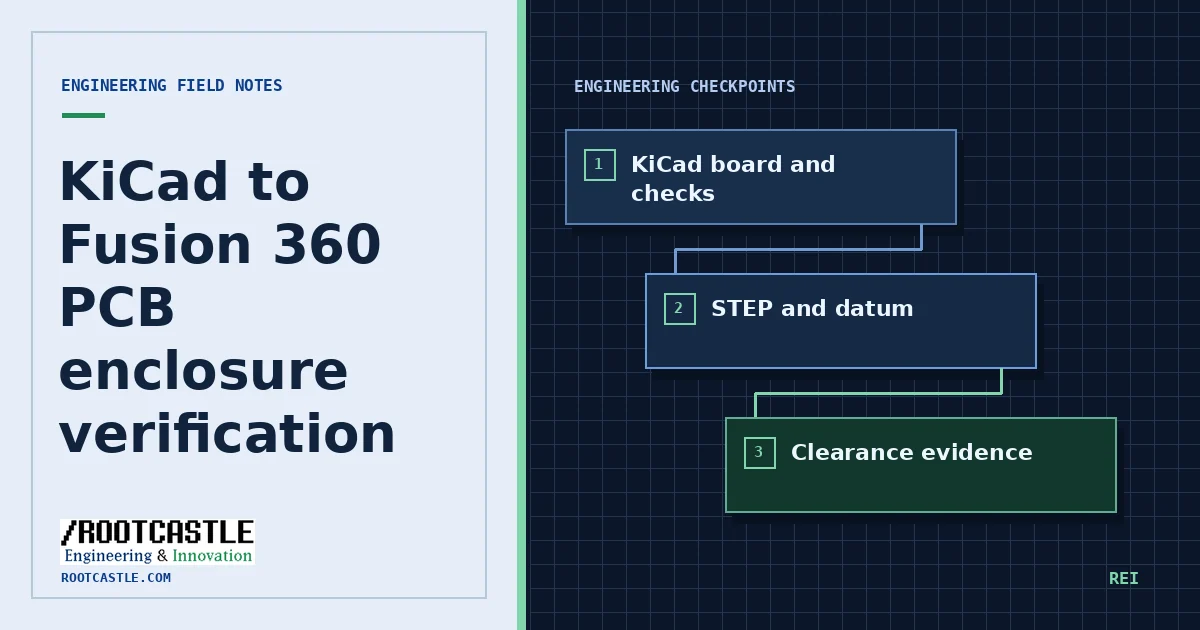
Freeze the board revision and mechanical contract
Identify the schematic and board revision, nominal stack thickness, coordinate datum, mounting points and connector part numbers. Include cable bend and mating volumes, assembly direction, component height and service access. Write the units beside every value.
Working from a revisioned source copy, capture the available ERC and DRC results and review the rule set. Inspect exceptions against the project’s requirements. A nominally clear report can coexist with a wrong footprint, wrong stack thickness or incorrect connector model.
Export a neutral assembly model
Export the board and installed parts as STEP using the approved project settings. Record the command or GUI steps, CAD version and revision of the component library. In Fusion, confirm the imported datum and measure a known feature in the expected units. Use a reference hole pattern to catch rotation and mirrored orientation.
Constrain the board against deliberate enclosure datums. Inspect the lid, bosses, fastener stack, and connectors in section views. Some connector or supplier part models omit latches, cable shells and other clearance-critical geometry. Use a separate conservative volume where dimensions are known.
Check the worst credible fit
Create a small acceptance table listing feature, nominal clearance, relevant tolerance, evidence file and reviewer. Use a named plan for connectors at minimum and maximum projected envelope, and include board and print process variation where applicable. Record where tolerance or manufacturing process data remains unavailable.
Test one assembly sequence by checking that the board, connector, fasteners and lid can each enter or leave in the expected order. Capture views and measurements at the same model revision. Review the result with the mechanical and electrical owners.
Separate software evidence from physical fit
Before accepting hardware, compare against a physical sample or an approved dimensional inspection plan. Preserve the STEP artifact, board and enclosure revisions, rule reports and exceptions. Photograph or measure the first article as a distinct gate when the project requires physical verification.
Example file
Fill in the measured clearances and the source of each measurement before recording a pass. The example leaves these evidence fields open.
Download the enclosure review checklistSkills in the catalog
Repository sources
References are pinned to the same upstream commit as the public catalog.